


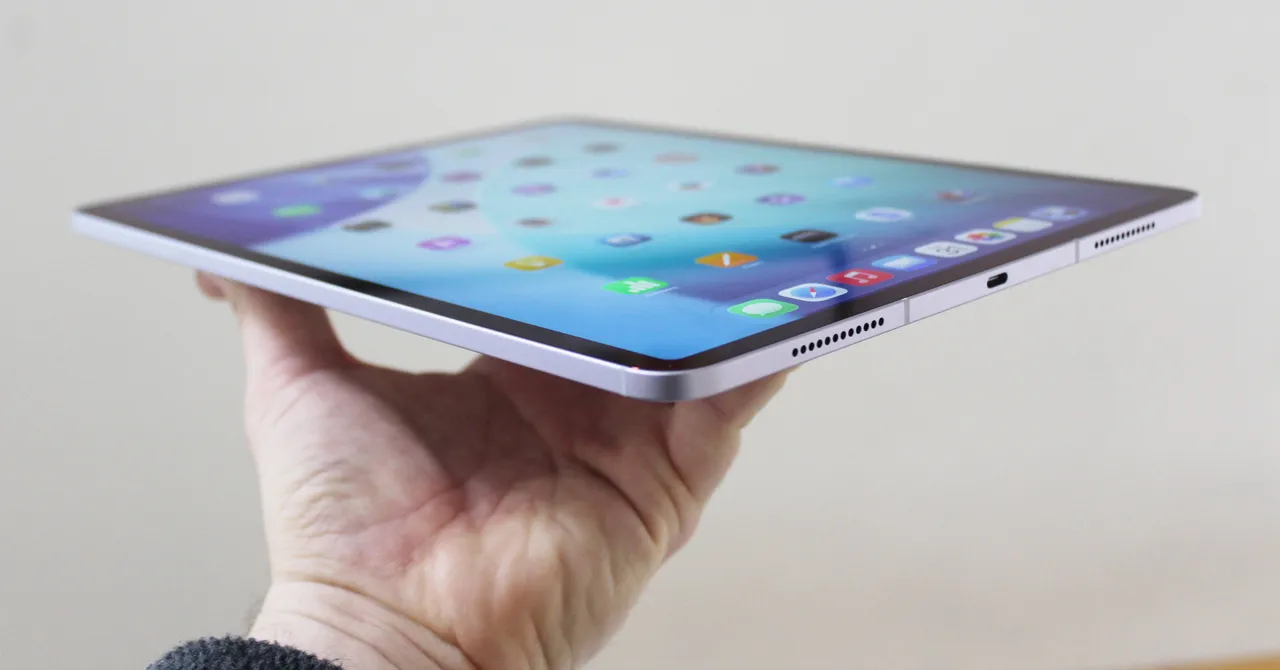

Enhancing Your iPad Experience: Essential Accessories for Productivity and Protection
The iPad has evolved from a sleek tablet into a versatile powerhouse, capable of handling everything from creative projects to professional workflows. But to truly unlock its potential, the right accessories can make all the difference. Whether you’re transforming your iPad into a portable workstation or safeguarding it from everyday wear and tear, a curated selection of add-ons can elevate your experience. From protective cases to productivity-boosting tools, here’s a detailed guide to some of the best iPad accessories available today.
1. Zugu Case: A Durable and Functional Folio ($50+)
For those prioritizing durability and versatility, the Zugu Case stands out as a top contender. This folio case combines robust protection with thoughtful design, featuring a rigid bumper that shields your iPad from accidental drops. Its magnetic cover ensures secure closure, while an adjustable flap allows the screen to be positioned at eight different angles—ideal for everything from typing to watching videos. What sets this case apart is its magnetic base, which lets you securely attach your iPad to metallic surfaces, such as a fridge, for hands-free use. Available in a variety of colors and equipped with a dedicated Apple Pencil slot, the Zugu Case offers both style and practicality at an affordable price.
2. Satechi M1 Wireless Mouse: Sleek and Efficient ($25)
For iPad users seeking a laptop-like experience, the Satechi M1 Wireless Mouse is a game-changer. Known for its sleek aluminum finish and ergonomic design, this mouse ensures comfort during prolonged use. Its smooth scrolling and impressive battery life—powered by a built-in lithium-ion battery—make it a reliable companion for work or play. Users report months of usage without needing a recharge, making it a standout option in the crowded market of wireless mice.
3. Mageasy CoverBuddy Case: Seamless Integration ($70)
The Mageasy CoverBuddy Case is designed for iPad Pro users who want to maintain access to Apple’s Magic Keyboard without compromising protection. This case magnetically attaches to the Magic Keyboard, eliminating the need to remove it constantly. Despite its slim profile, it offers robust durability and includes a slot for the Apple Pencil Pro or USB-C version. For iPad Air (M2) users, Mageasy also offers the CoverBuddy Lite, a streamlined alternative with similar functionality.
4. Logitech Combo Touch: Transforming Productivity ($260)
The Logitech Combo Touch is a multitasker’s dream, combining a detachable keyboard, trackpad, and kickstand in one sleek package. Ideal for turning your iPad into a productivity machine, this accessory connects via Apple’s Smart Connector, ensuring seamless functionality without the hassle of Bluetooth pairing or charging. Its detachable design allows you to switch between laptop and tablet modes effortlessly. While it adds some weight to the iPad, its versatility makes it a worthwhile investment for professionals and creatives alike.
5. Casetify Impact Screen Protector: Maximum Protection ($56)
For those concerned about screen damage, the Casetify Impact Screen Protector provides peace of mind. This ultra-thin protector maintains excellent touch sensitivity while offering robust defense against scratches and impacts. Its fingerprint-resistant surface minimizes smudges, and the included application kit—complete with a microfiber cloth, de-dusting sticker, and wet and dry wipes—ensures a hassle-free installation process.
6. Paperlike Charcoal Folio Case: Artistic Elegance ($70)
Known for its popular screen protectors, Paperlike extends its expertise to iPad cases with the Charcoal Folio Case. Designed to emulate the feel of a sketchbook, this case features a lightweight polyester fabric cover that exudes premium quality. While it lacks a dedicated Apple Pencil slot, its large flap closure ensures secure storage. The case supports two adjustable viewing angles, making it perfect for artists and designers who want a tactile, creative experience.
7. Twelve South StayGo Mini USB-C Hub: Expanding Connectivity ($60)
With iPads increasingly relying on USB-C ports, the Twelve South StayGo Mini USB-C Hub addresses the need for expanded connectivity. This compact hub includes an 85-watt USB-C port with passthrough charging, a USB-A port, an HDMI port, and a headphone jack. Its included socket-to-plug USB-C cable ensures compatibility with iPads encased in protective covers, making it a practical solution for users who need to connect multiple peripherals.
8. Apple Magic Trackpad (USB-C): Precision Control ($140)
For those seeking precise navigation, the Apple Magic Trackpad (USB-C) is an excellent choice. Unlike traditional trackpads, this device features Force Touch sensors that respond to varying levels of pressure, enhancing control and accuracy. Its support for iPadOS gestures reduces the need for frequent screen interactions, while its Bluetooth connectivity and Lightning charging ensure seamless integration with your device.
9. Twelve South HoverBar Duo 2.0: Flexible Viewing ($80)
The Twelve South HoverBar Duo 2.0 offers unmatched flexibility for hands-free iPad use. Whether mounted to a bed frame, kitchen counter, or desk, this adjustable arm keeps your iPad at the perfect viewing angle. The second-generation version introduces a detachable arm, allowing users to easily switch between clamp and stand modes. This versatility makes it an ideal accessory for cooking, video calls, or gaming.
Conclusion: Elevating Your iPad Experience
From enhancing productivity to protecting your investment, the right accessories can transform your iPad into a tailored tool for work and play. Whether you’re a professional seeking a laptop replacement or an artist looking for a sleek, tactile experience, these carefully curated add-ons cater to a wide range of needs. As the iPad continues to evolve, so too do the accessories designed to complement it—ensuring that users worldwide can unlock the full potential of their devices.
